Introduction
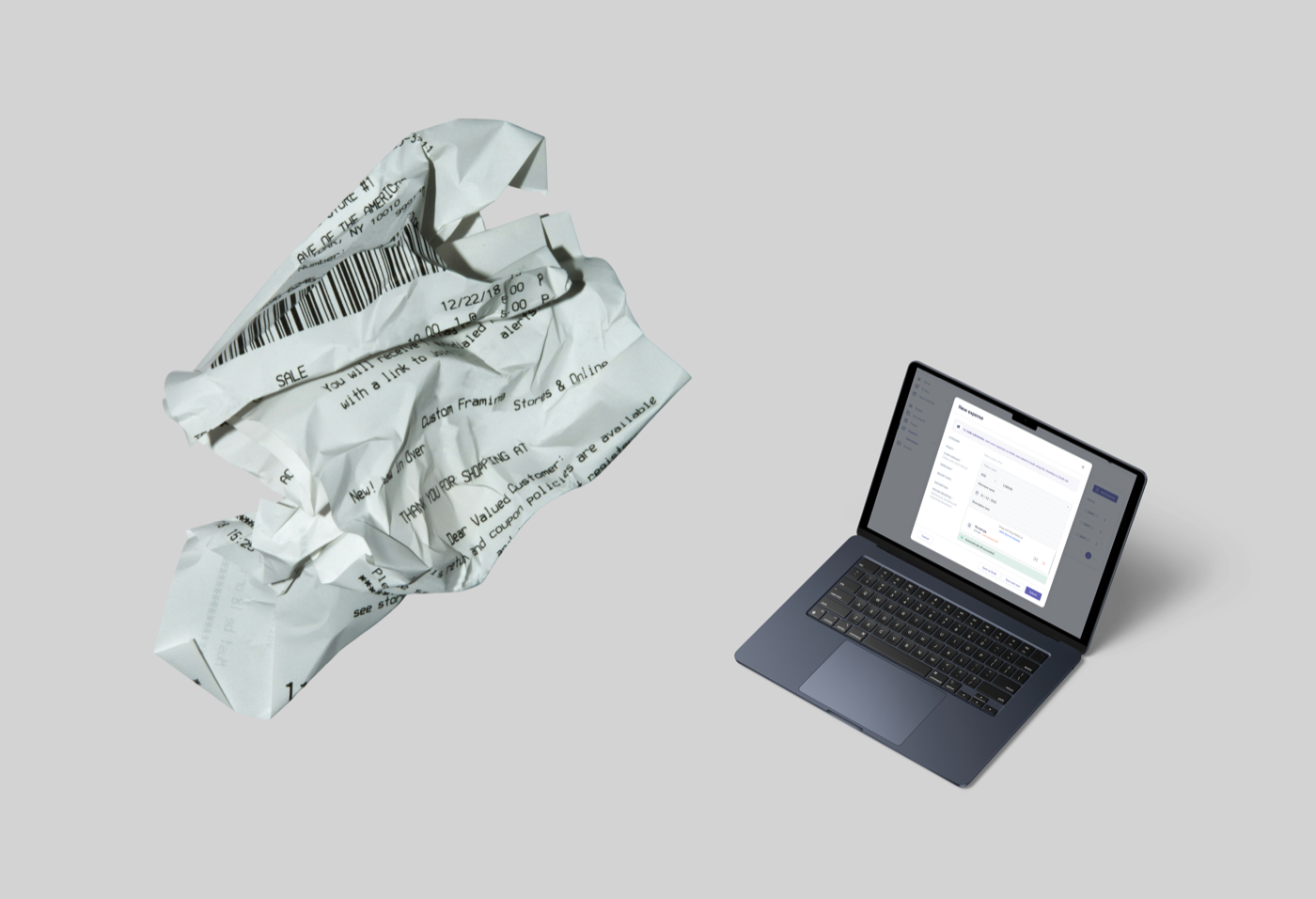
One of the projects I worked on was improving how employees submit expenses by using OCR to read information from their receipts.
The original experience required users to manually fill in information such as category, policy, claim amount, merchant, receipt date, and description.
The idea was simple: what if the system could do some of this work for us?
Journey about how AI cuts 2 weeks of design process into 1
How it started
I received the brief and started by looking at how other products handled receipt scanning and OCR.
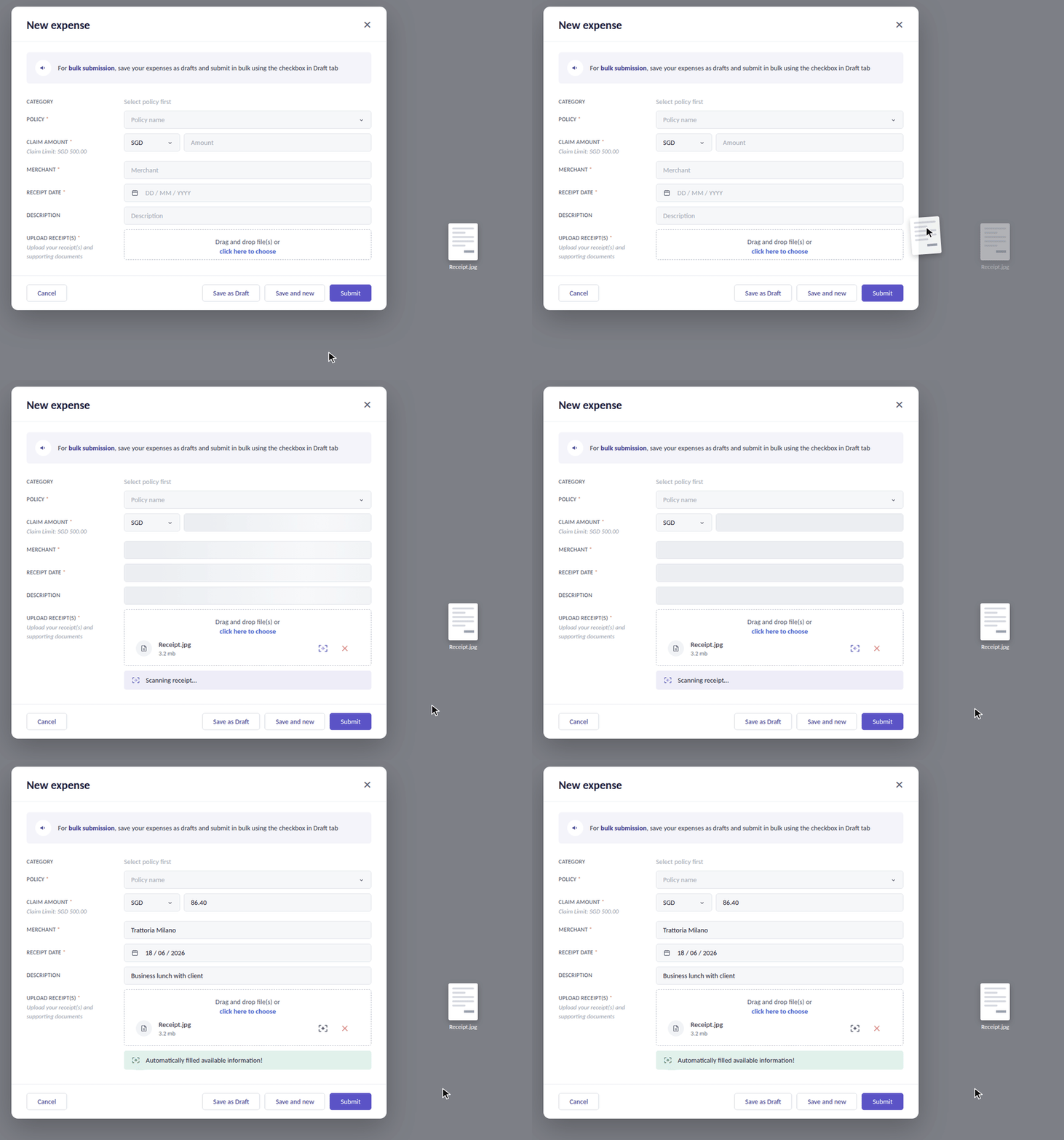
I used competitor research to understand common patterns and then created a simple prototype to communicate the interaction to the PM and engineers.
Validating the interaction first
At this stage, I was not trying to create the final UI. I wanted to quickly validate the interaction and make sure we understood how the OCR should behave before integrating it with our design system.
Where AI helped
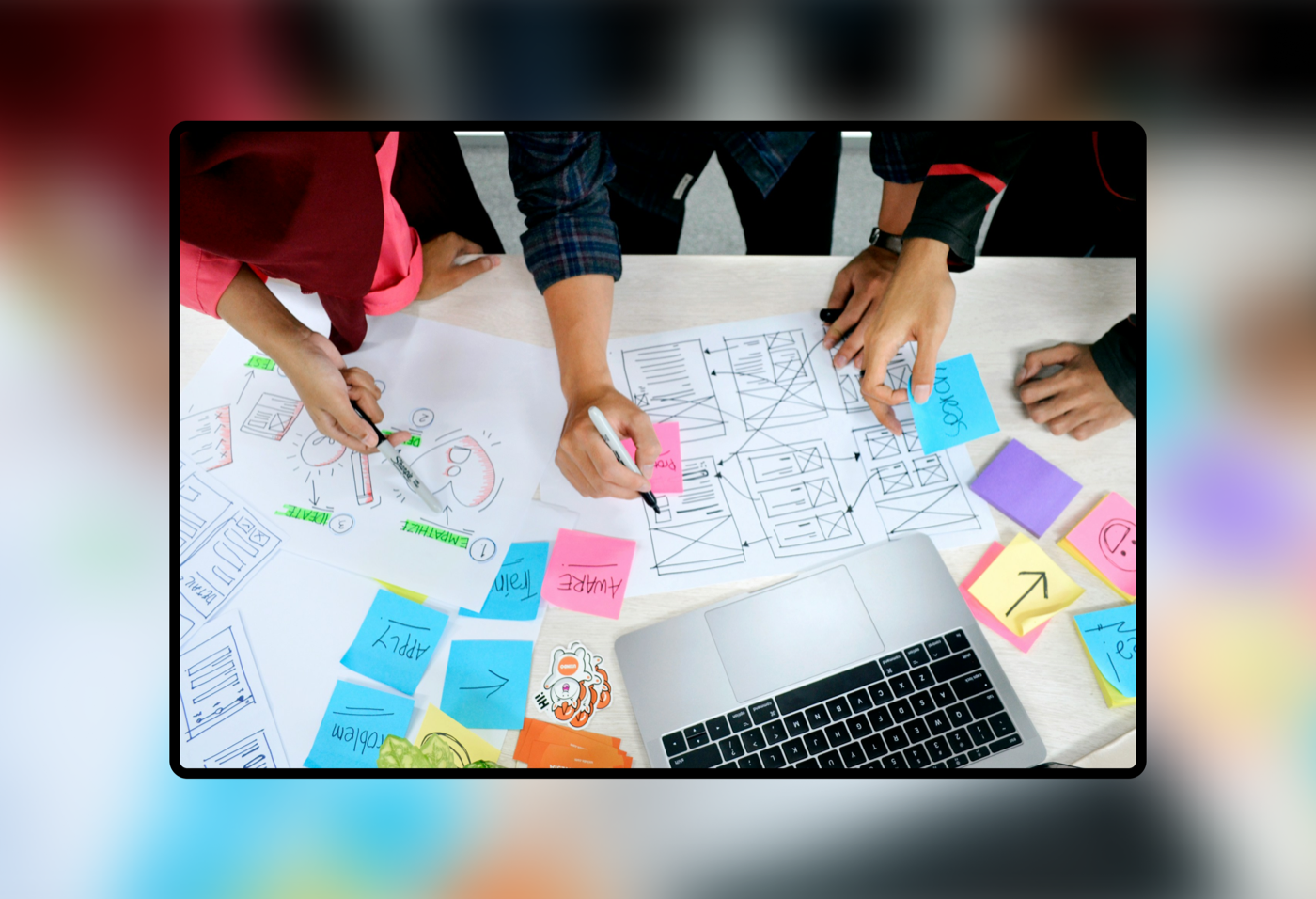
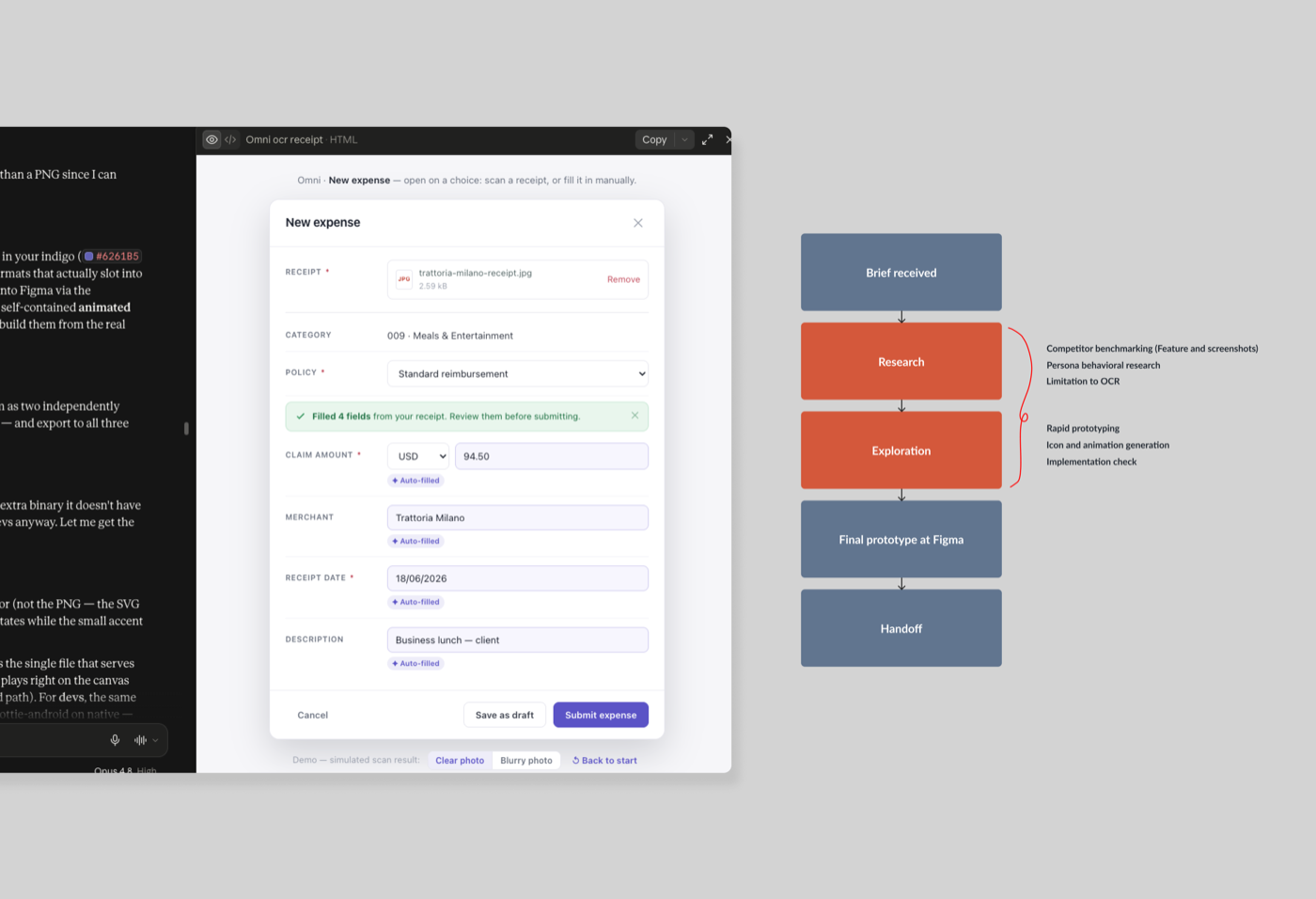
This project also became an opportunity for me to connect Claude with my design workflow. I used AI to help with:
- Competitor benchmarking
- Rapid prototyping
- Persona and behavioral research
- Icon and animation generation
- Checking some of the limitations around OCR
After the direction was clear, I worked with the team to check the implementation and bring the interaction closer to our existing design system.
What I learned
This project changed the way I think about AI in design.
AI was not replacing the design process. It helped me move faster between research, exploration, prototyping, and implementation checking.
The important part was still knowing what needed to be designed and where AI could actually help.